Flashboard creates a default team for you when you sign up. You can see and manage your teams by clicking on the settings icon, then Teams.
There you see a list of your teams grouped by organization. You can change your teams's name and slug, create a new one, or delete it.
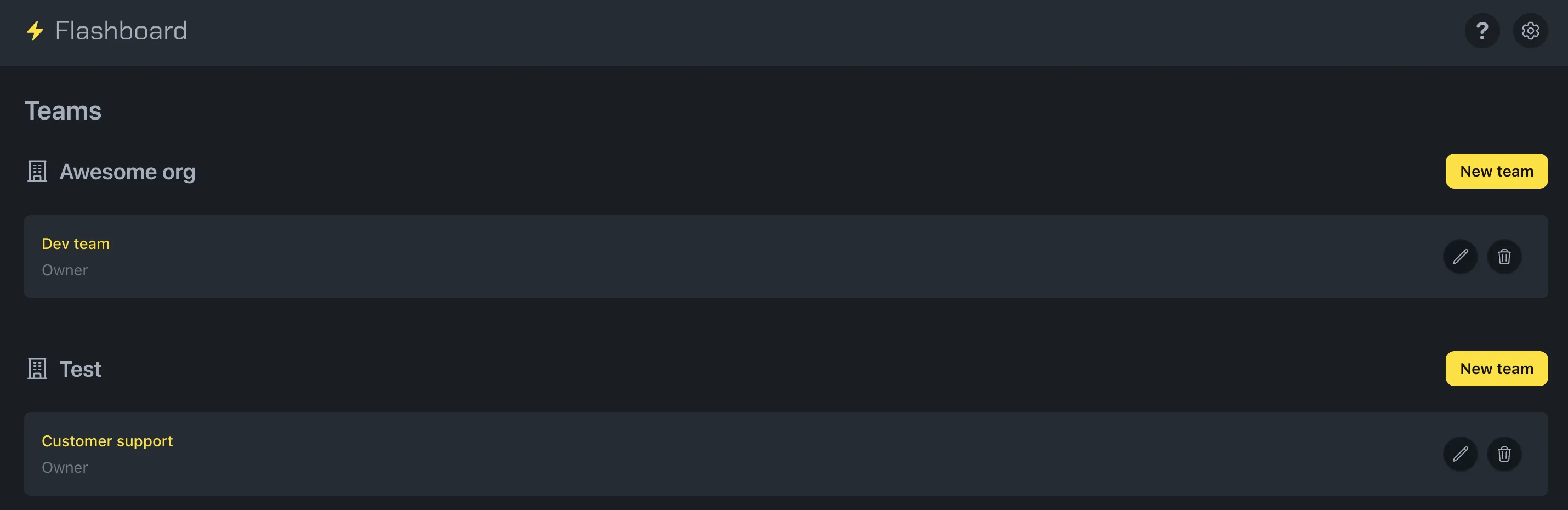
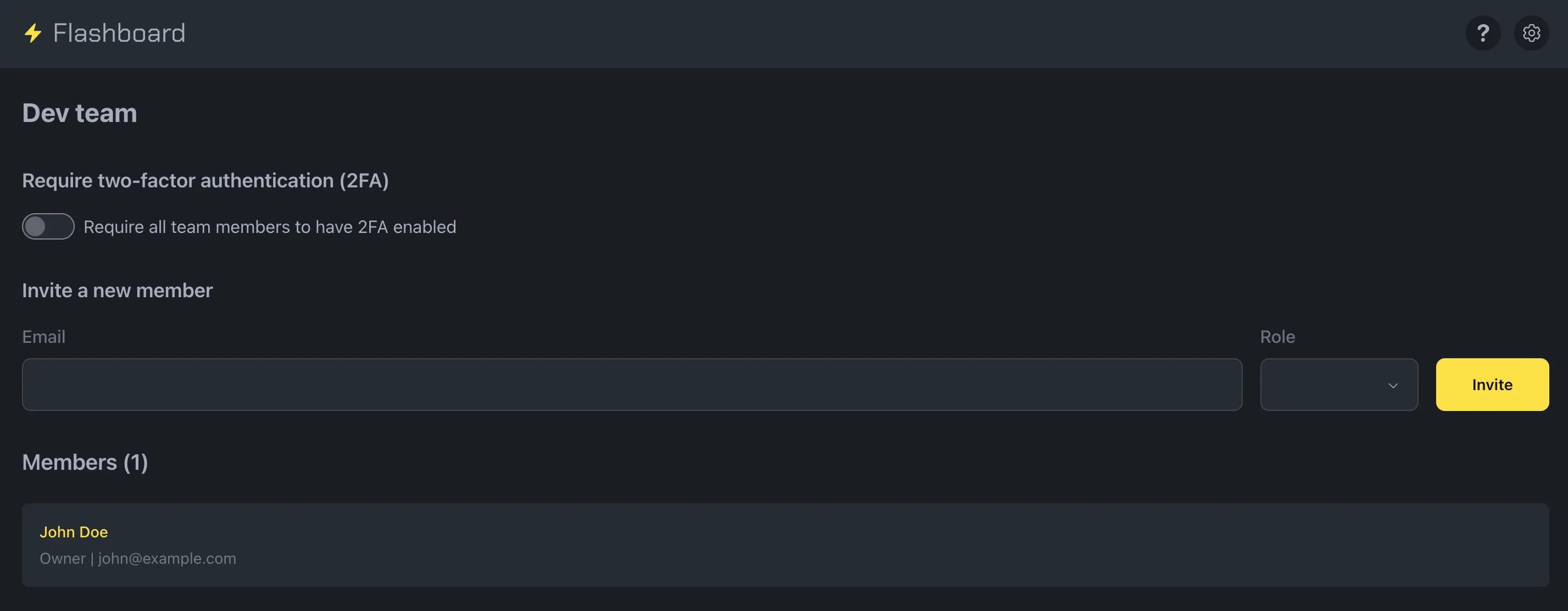
You can click a team's card to see its details. There, you can require two-factor authentication (2FA) for all its members, invite new members, and see the member list.
Note: You need a Pro subscription or higher to create more than one team.