Update connection URL

If your database credentials change, you need to update your panel's connection URL. Go to the manage panels page. It's the home page when you are signed in.

Find your panel on the list, then click the database icon.
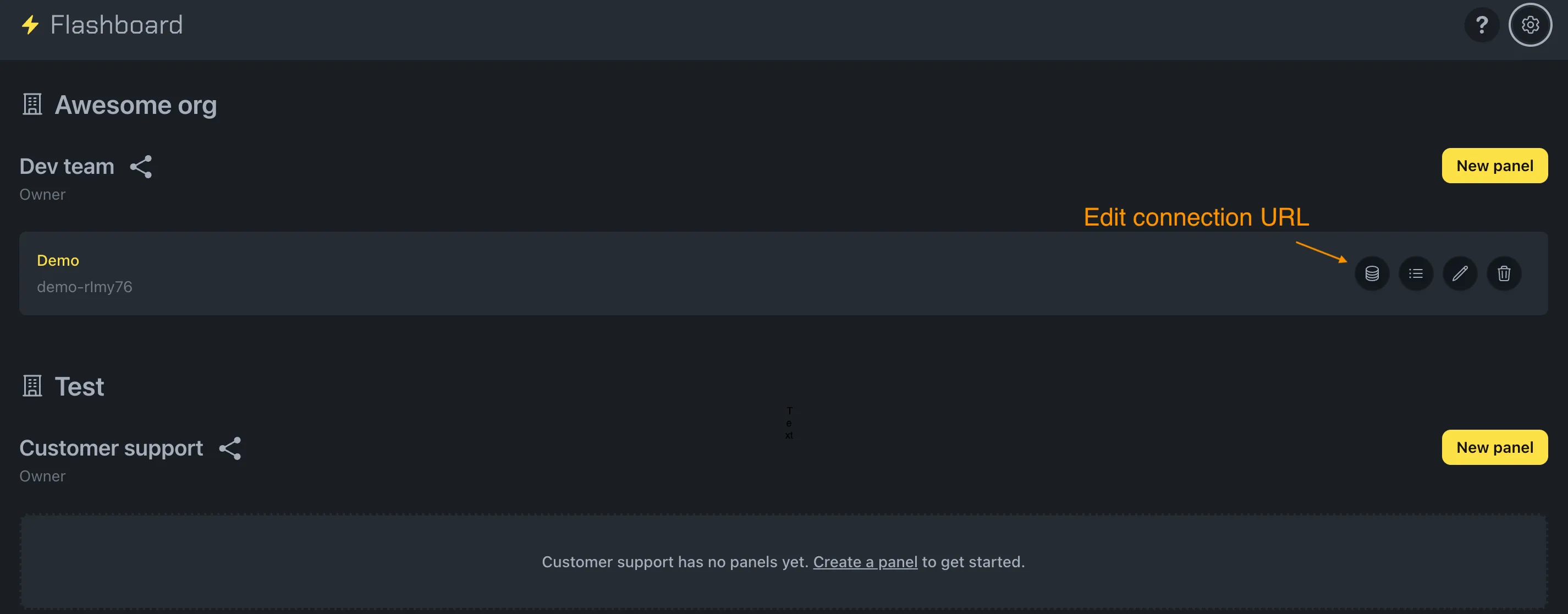
Screenshot highlighting the database icon button on a panel card that opens the connection URL update form

Paste your new connection URL and confirm your password.
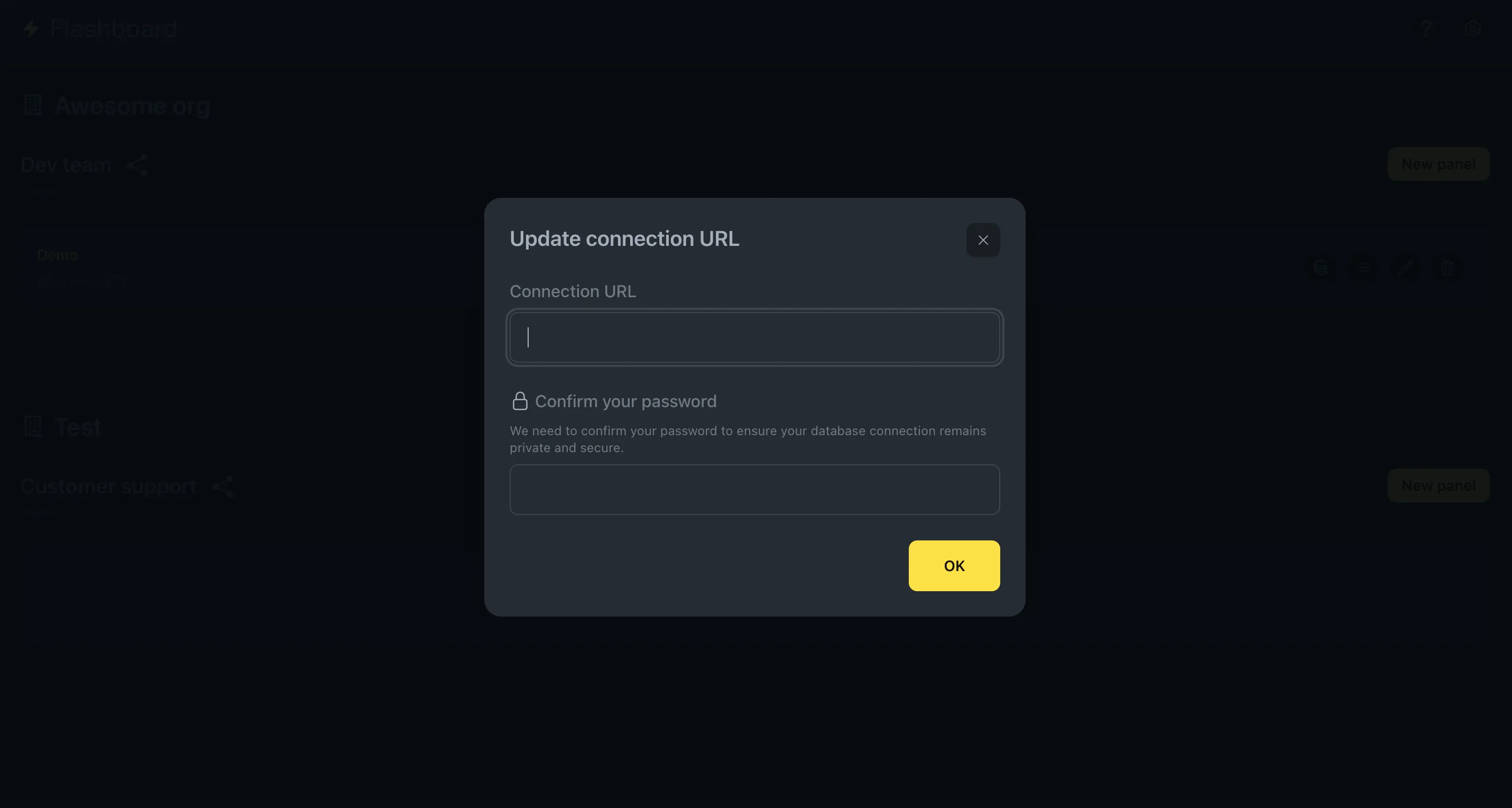
Screenshot of the connection URL update form with an input field for the new database connection string and a password confirmation field

Felipe Freitag, Flashboard founder

Need help?

Hey! I'm Felipe, Flashboard's founder. I'll personally help you and make sure you get your panel up and running.