You renamed or deleted a column in your database, and now you see an error like "Field 'name' not found in database (Table settings)" when trying to load a tab. To solve it, just click the Manage tab button and follow the warnings Flashboard give you.
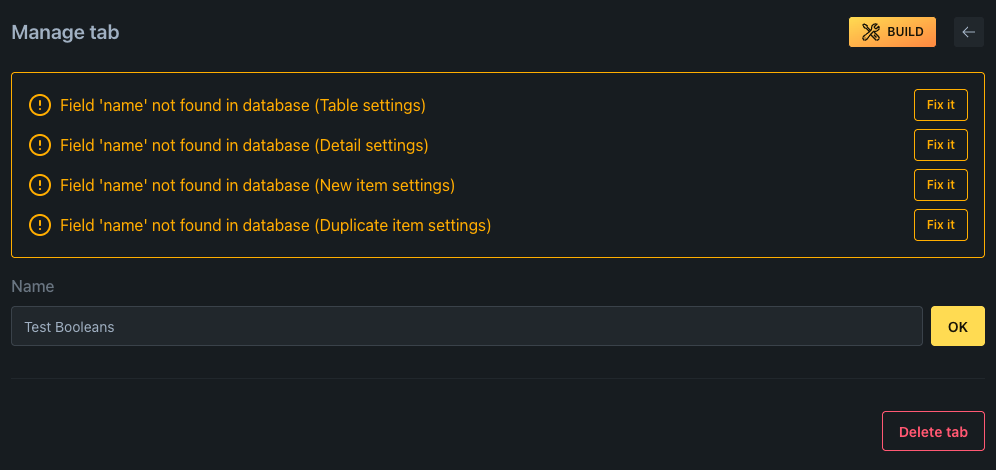
This happens because Flashboard stores your field configuration separately from your database schema. When the schema changes, the configuration needs to catch up.
How to fix it
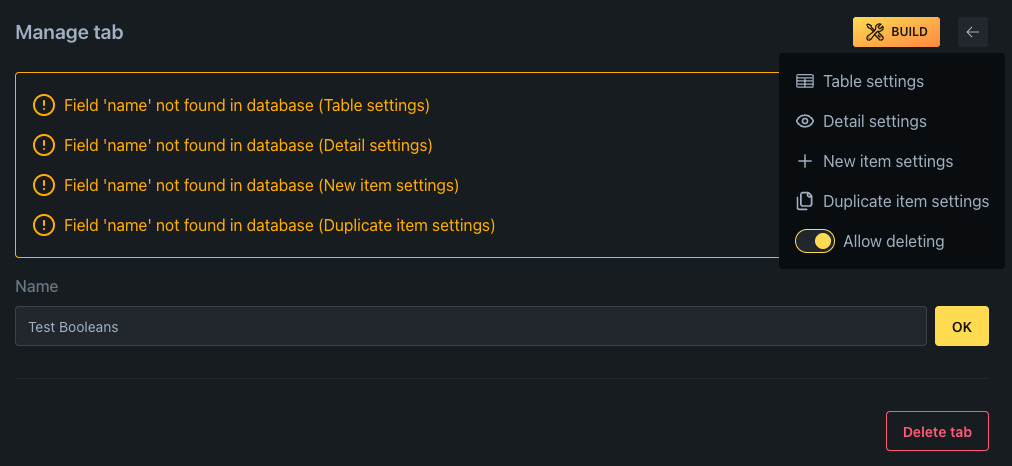
Each warning has a Fix it button that takes you directly to the settings where that field is configured. You can also get there through the Build menu in the top right corner.
In the settings, you'll see the orphaned field marked as "not on db". Toggle it off to remove it from your configuration.
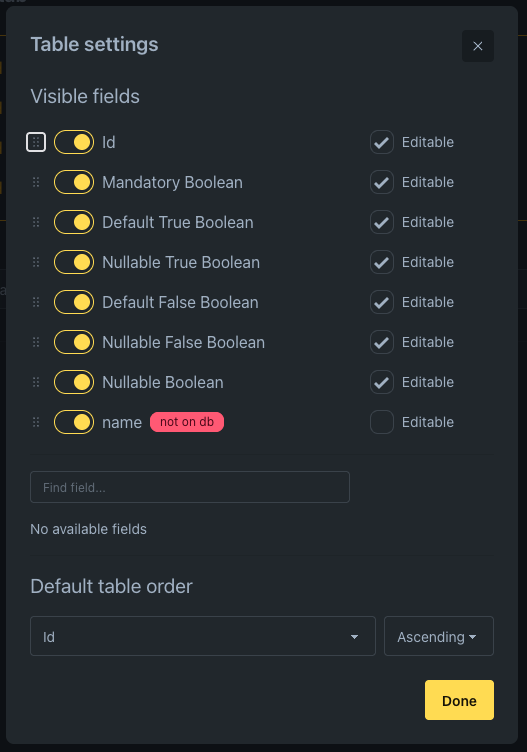
If you renamed the column instead of deleting it, you can add the new column from the available fields list below.